 Type Master
Typing test practice for Android
Walk into your typing exam ready.
Many job applications and civil service exams include a timed typing test. Type Master lets you rehearse that format on your phone, with exam-style plain text, long timed sessions and scoring that matches desktop tests.
Free · Android 7.0+ · practice works offline
Screenshots
Rehearse the real format.
How it works
From practice to exam day.
Choose the format
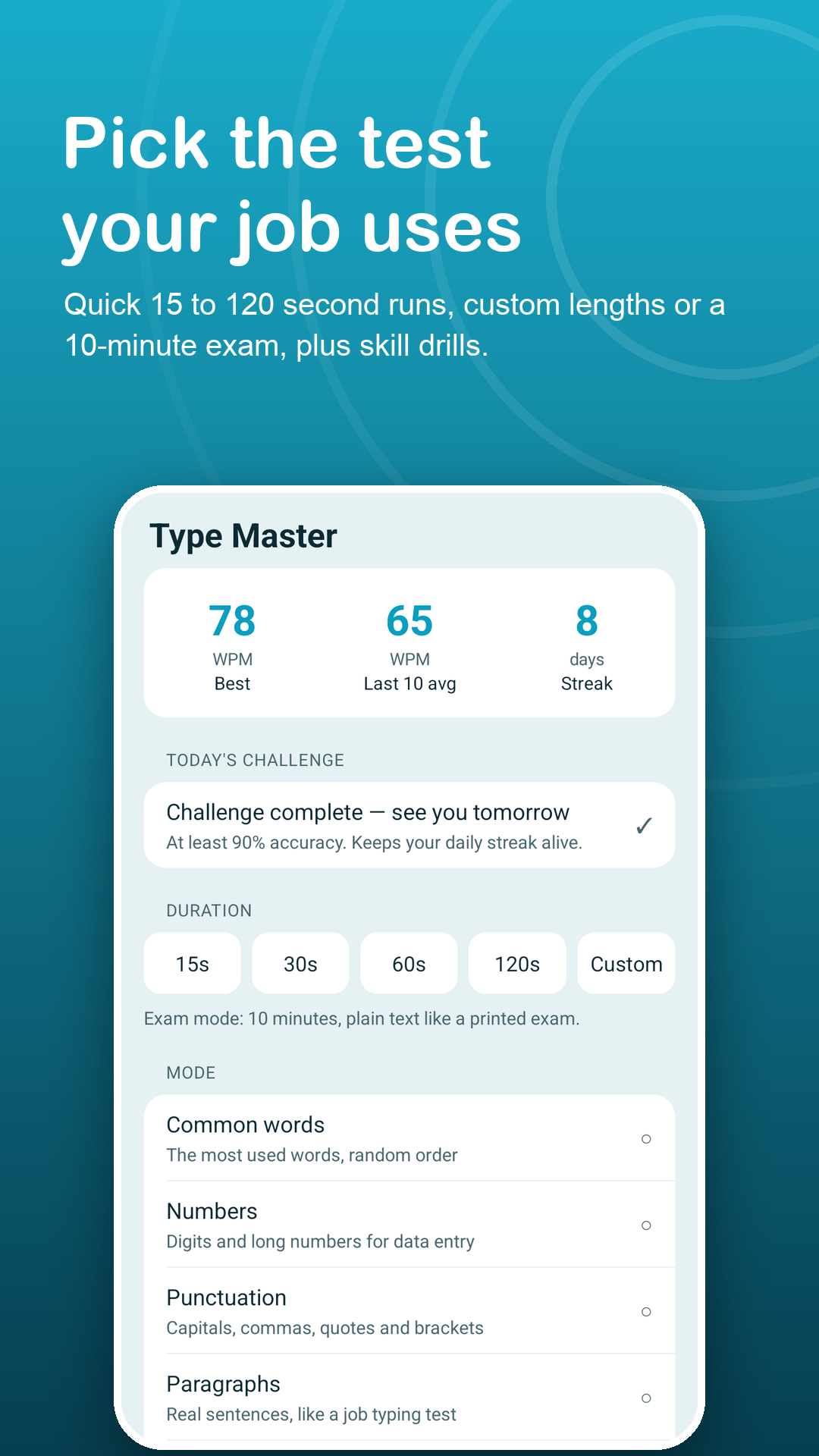
A quick 15 to 120 second run, a custom length from 10 seconds to 10 minutes, or exam mode for a long timed test with plain text.
Type as you would in the exam
The keyboard opens by itself and the clock starts on your first keystroke. Use a Bluetooth or USB keyboard if your exam is on real keys.
Check where you stand
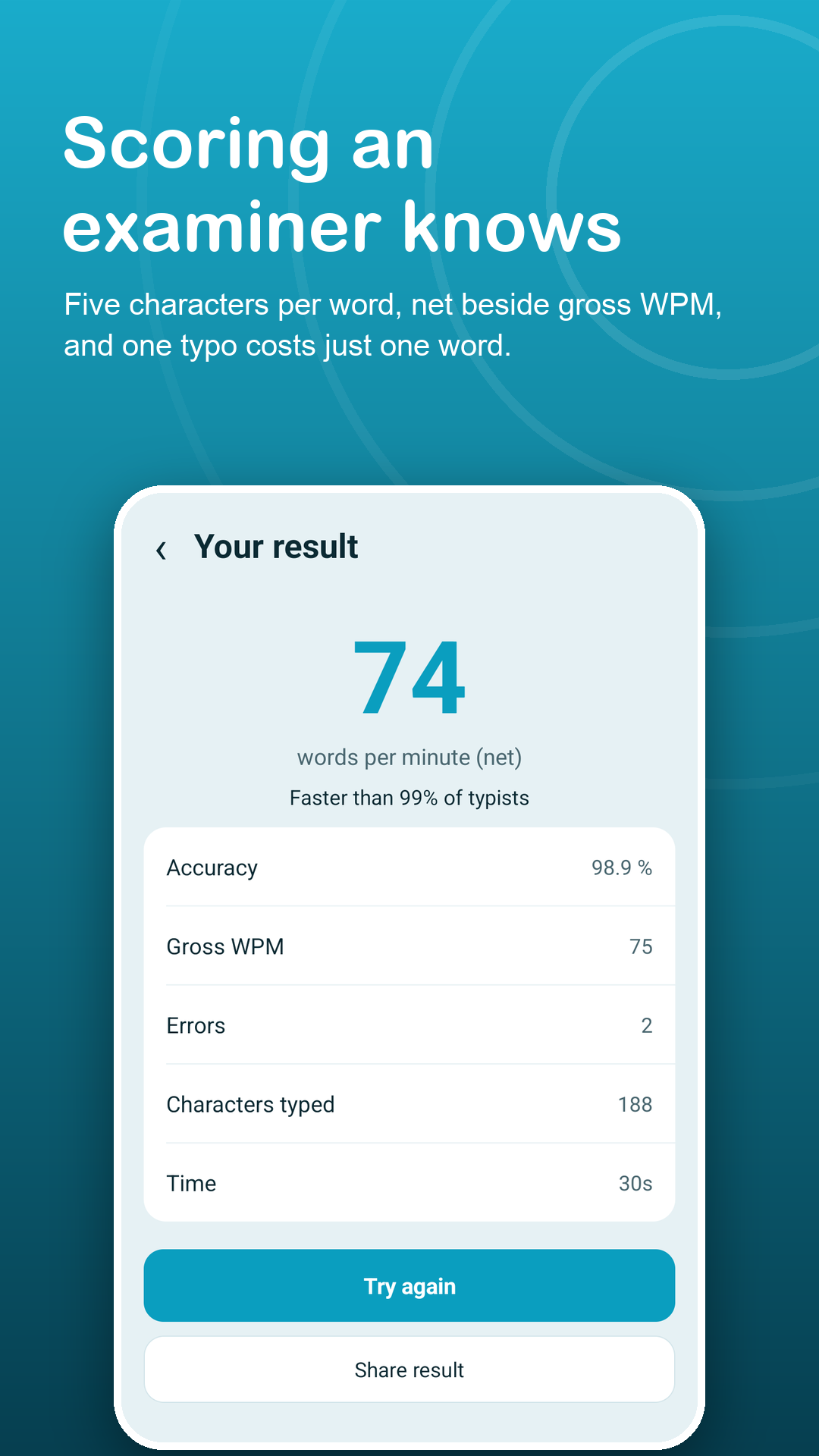
Net WPM, gross WPM, accuracy, errors and characters typed, counted with the usual five-characters-per-word rule.
Features
Built around real typing tests.
Exam mode
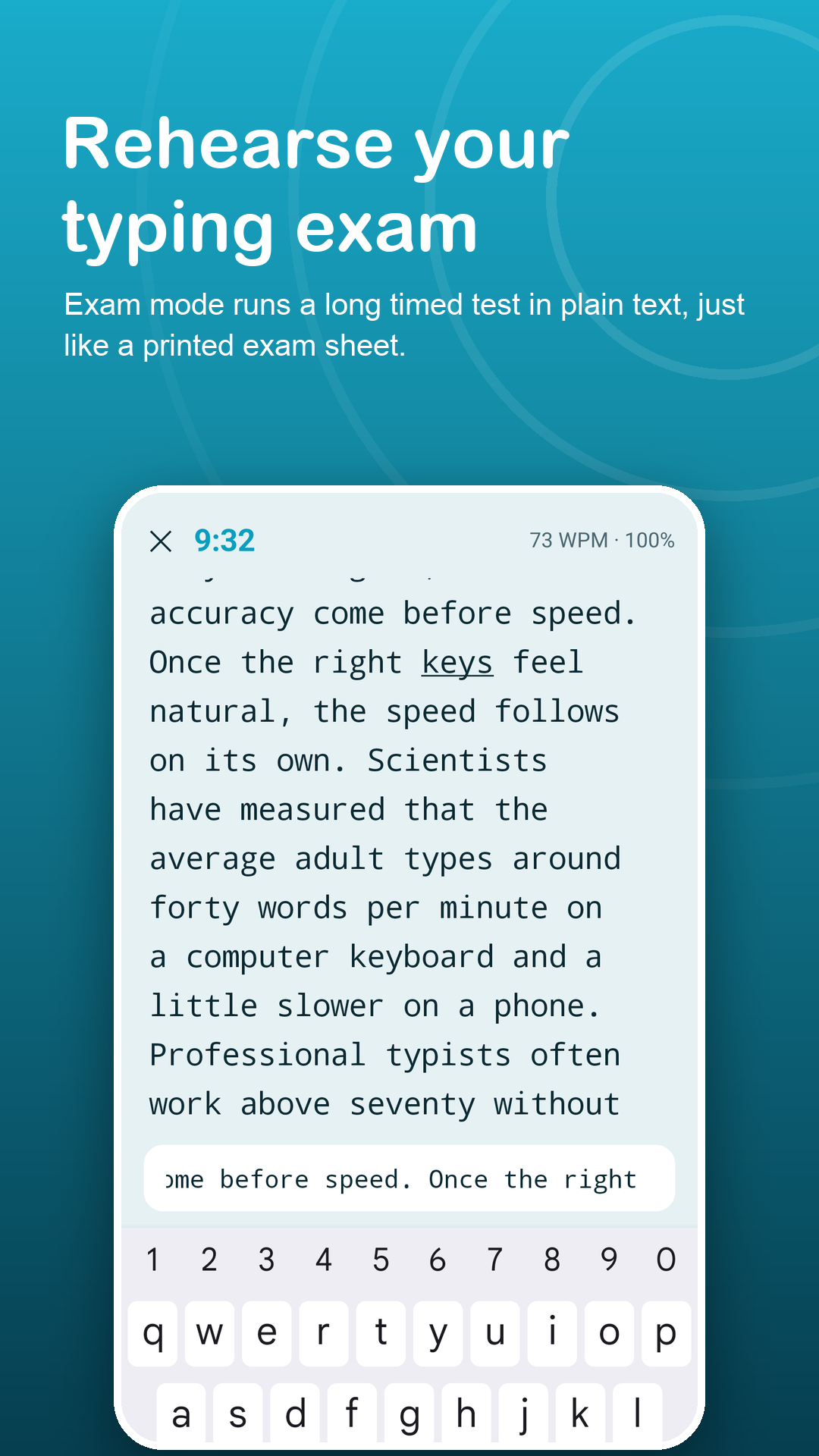
Timed tests in plain text without colour hints, like a printed sheet. The 10-minute exam is free; Premium sets 5 to 30 minutes and can lock Backspace.
Fair, per-word scoring
A typo costs only the word it is in, and a stray space never shifts the rest of the passage.
Number and punctuation drills
Practise the digits, capitals, commas and brackets that slow down data entry and office tests.
Your own passages
Paste a sample text from an employer or exam board into My texts and practise on exactly that.
Six languages, offline
English, Vietnamese, Spanish, Indonesian, Portuguese and Hindi texts are built into the app.
Readiness tracking
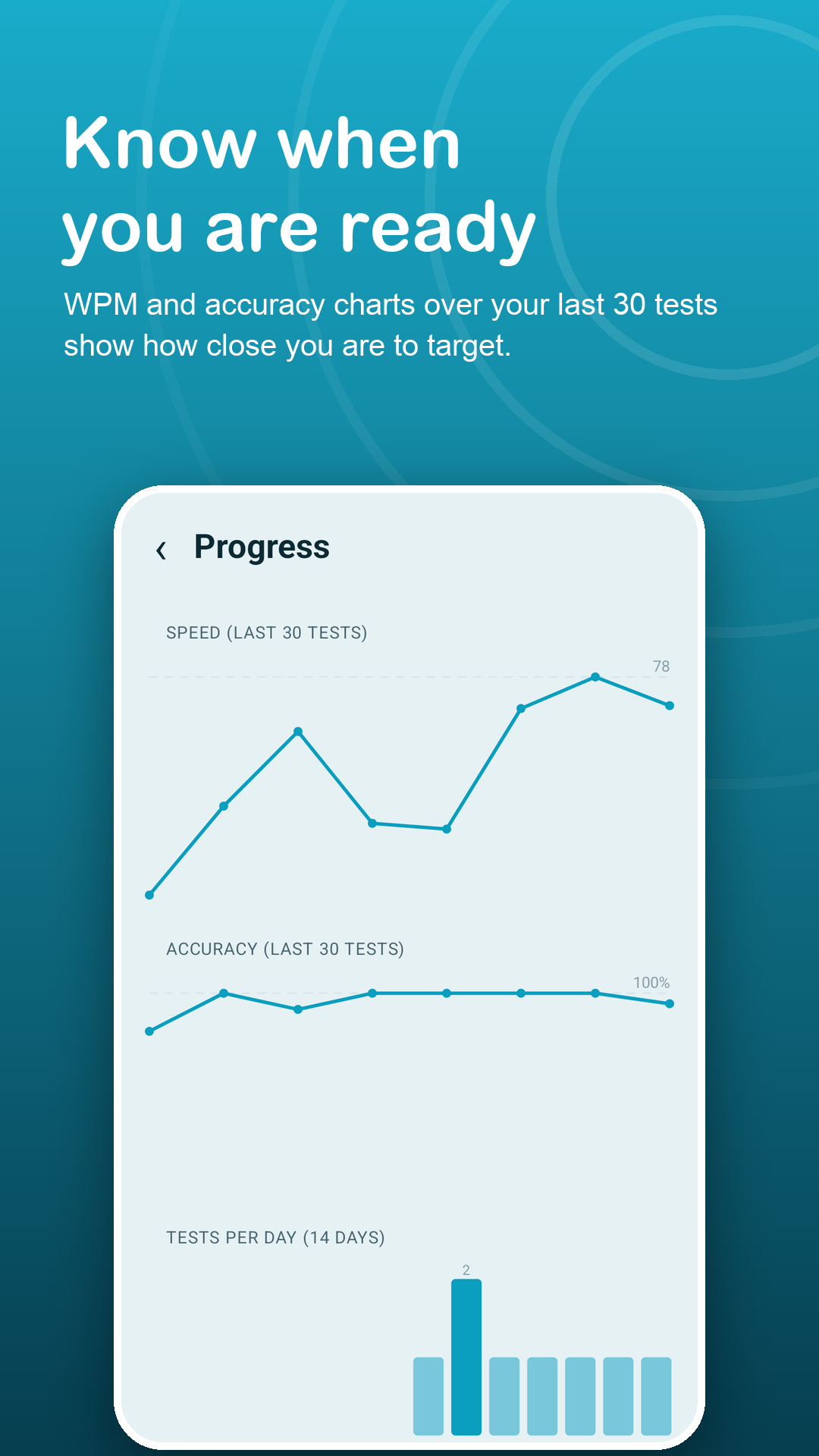
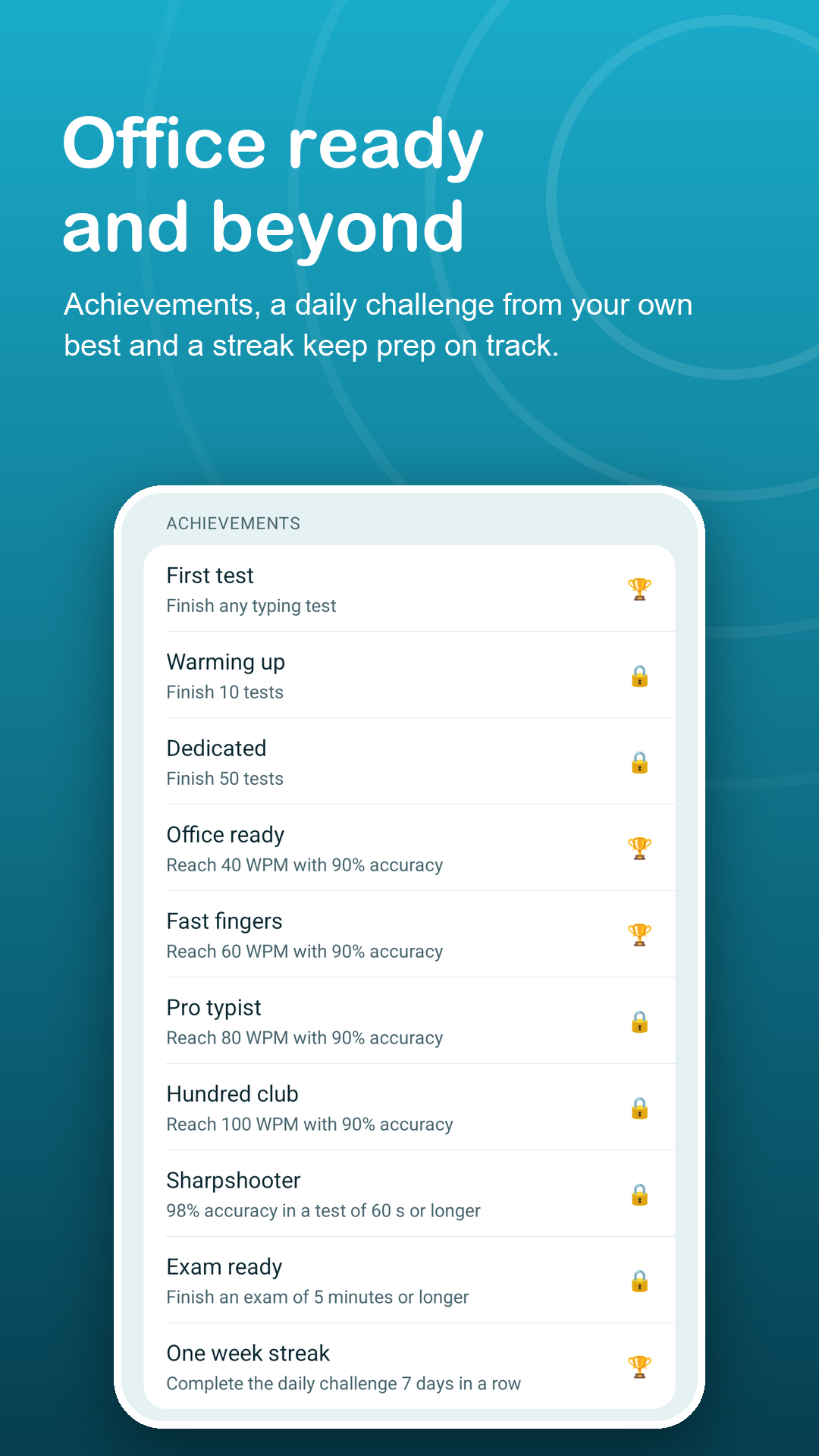
Charts of your last 30 tests, personal best, 10-test average, a percentile estimate and a daily challenge.
Privacy
Your practice stays on your phone.
No sign-up and no account. Results and pasted texts are stored only on your device. The internet is used for ads, Google Play purchases and anonymous crash and usage statistics. Read the privacy policy.
FAQ
Fair questions.
Is this like the typing test in a job application?
Exam mode reproduces the common format: a long timed passage in plain text, scored in words per minute with the five-characters-per-word rule. Scores are estimates for practice, not an official certificate.
How are mistakes counted?
Word by word. One wrong letter costs only that word, and an extra space does not shift the rest of the text. Net WPM counts only correctly typed words; gross WPM counts everything.
Can I practise without internet?
Yes. Every practice text is built into the app, so tests run fully offline.
Will an ad interrupt a test?
No. Ads never appear on the typing screen or the result screen.
What does Premium add?
No ads, full history with CSV export, unlimited saved texts and custom exam settings (5 to 30 minutes, Backspace lock, highlighting on or off). Monthly, yearly or a one-time lifetime purchase; subscriptions can be cancelled anytime in Google Play.
Which permissions does the app need?
Only internet access (for ads, Google Play purchases and anonymous crash and usage statistics) and vibration (for optional haptic feedback on mistakes). It does not use the Accessibility API, overlays, contacts, storage or location.